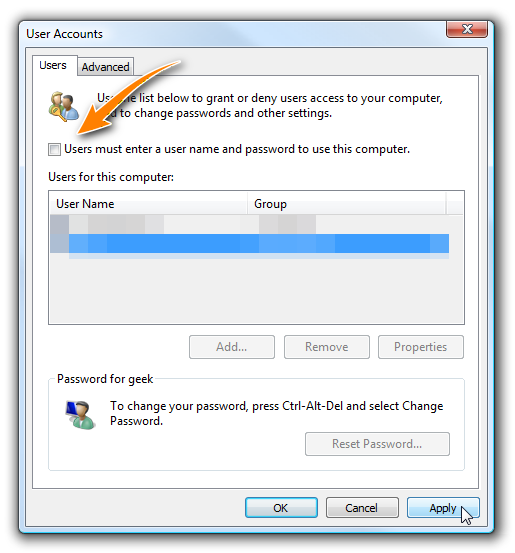
默认安装的Windows 11没有启用自动登录的选项,以下方法首先修改注册表启用选项,然后使用userpasswords2自动登录界面进行设置。
- WIN+R > regedit
- WIN+R > control userpasswords2
Computer\HKEY_LOCAL_MACHINE\SOFTWARE\Microsoft\Windows NT\CurrentVersion\PasswordLess\DeviceReference: How to Log In Automatically to Windows 11